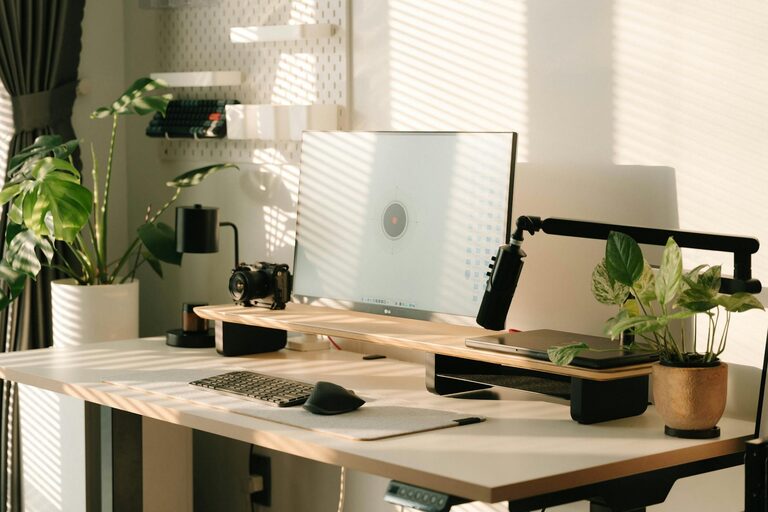
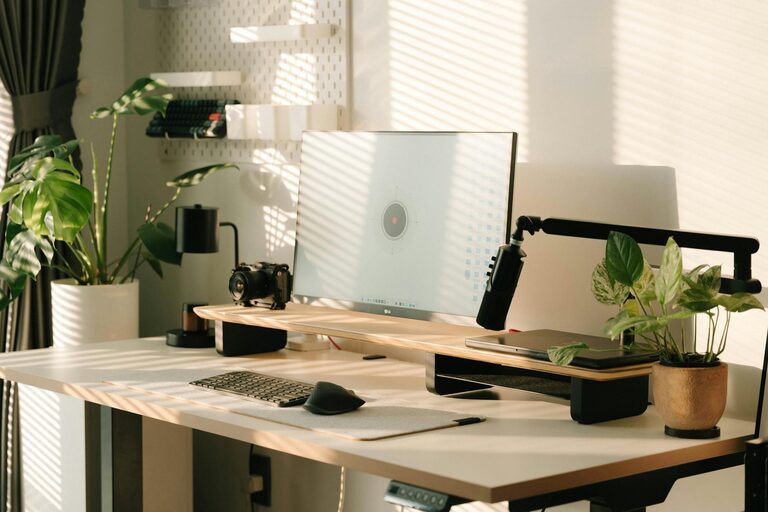
Creating a productive home office environment is essential in today’s world, where many people are working remotely or combining home and office life. Whether you are new to working from home or seeking to improve your existing setup, the right home office can make a big difference to your focus, comfort, and overall productivity.
In this post, we’ll explore useful tips to help you design a workspace that supports your work while blending seamlessly into your home life.
Choose the Right Location
Find a Quiet Spot
Select a space that is relatively free from distractions and noise. If possible, use a spare room, a corner in a quiet room, or a nook away from high-traffic areas. This helps you concentrate better and signals to others that you’re working.
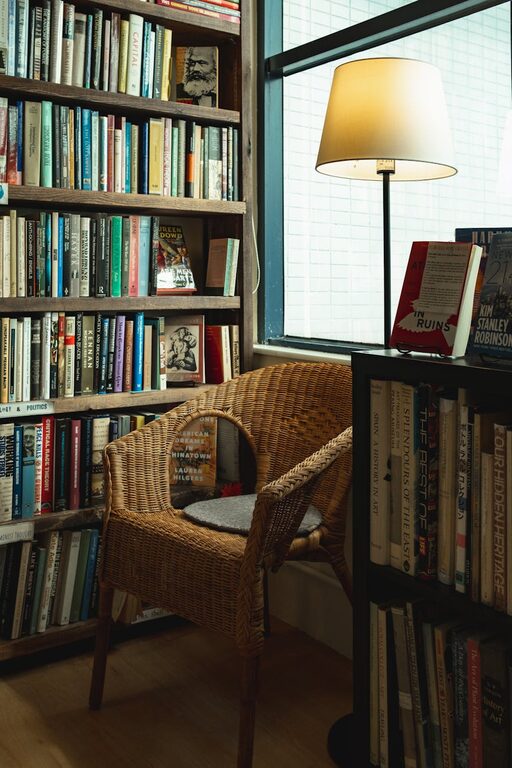
Consider Natural Light
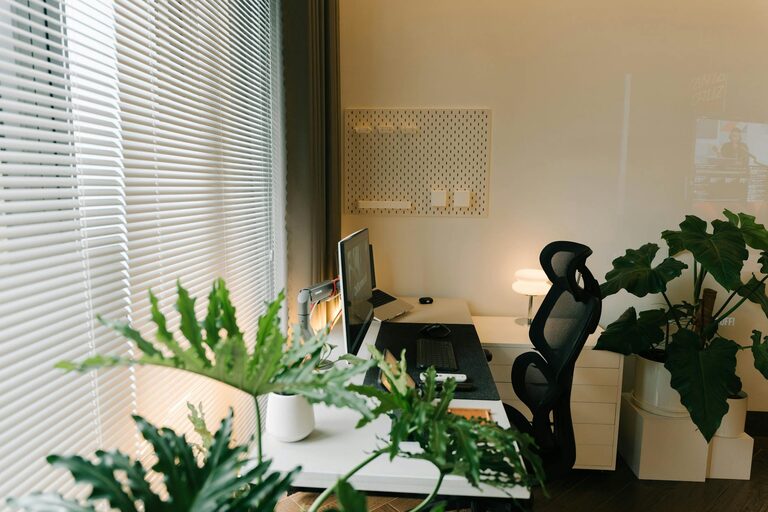
Where you place your desk can impact your energy levels. Ideally, position your workspace near a window to benefit from natural daylight. Sunlight can boost mood and reduce eye strain.
Space for Movement
Avoid cramped areas. Allow enough space for your chair to move comfortably, and if possible, include space to stretch or stand occasionally. Moving around helps prevent fatigue.
Invest in Ergonomic Furniture
Comfortable Chair
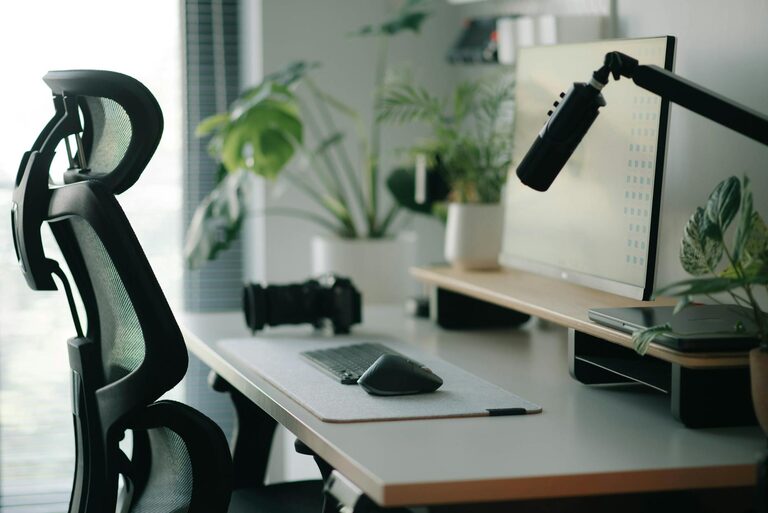
A good office chair supports your posture and reduces the risk of back and neck pain. Look for chairs with adjustable height, lumbar support, and comfortable cushioning.
Desk Height and Size
Your desk should be at a height where your elbows rest at about 90 degrees when typing. It also needs enough surface area for your computer, documents, and any other essentials without clutter.
Alternative Options
Consider sit-stand desks or desk converters if you want flexibility in your working posture throughout the day.
Organise for Efficiency
Declutter Regularly
Keep your desk tidy by only having what you need for your current tasks. Regularly clear away unnecessary items to maintain focus.
Storage Solutions
Invest in shelves, drawers, or filing cabinets to store documents and office supplies. Clearly labelled storage makes it easier to find what you need quickly.
Effective Cable Management
Use clips, ties, or sleeves to manage cables and wires. A neat setup reduces distractions and potential hazards.
Create a Personalised Yet Professional Space
Add Personal Touches
Including photos, plants, or artwork can make the space more pleasant, motivating you throughout the day. Plants, in particular, can improve air quality and create a calming environment.
Minimise Disruptions
If you share your home, communicate your working hours to family or housemates. Use headphones to block out background noise if necessary.
Maintain Boundaries
Try to keep work materials separate from personal items to help switch off work mode at the end of the day.
Optimize Lighting and Technology
Balanced Lighting
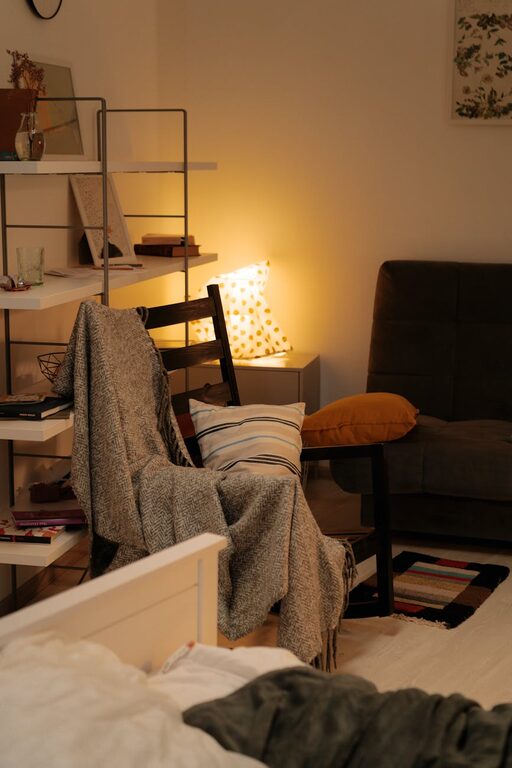
Avoid harsh overhead lighting or working with screens in direct sunlight. Use adjustable desk lamps with soft light to reduce eye strain.
Reliable Internet and Equipment
Ensure your internet connection is fast and stable to avoid frustration during virtual meetings or online tasks.
Use Quality Devices
A good monitor, keyboard, and mouse can improve comfort and efficiency. Screen height should be eye level to prevent neck strain.
Develop a Routine and Take Breaks
Set Work Hours
Define clear working times and stick to them. This helps maintain a healthy work-life balance.
Schedule Breaks
Regular short breaks boost focus. Use techniques like the Pomodoro method (25 minutes work, 5 minutes break) to maintain energy.
Refresh Your Space
Ventilate your room regularly and take moments to stretch or move around. Physical activity supports mental clarity.
Personal Well-being in Your Workspace
Stay Hydrated and Nourished
Keep a water bottle and healthy snacks nearby to maintain concentration.
Manage Screen Time
Take care of your eyes by following the 20-20-20 rule: every 20 minutes, look at something 20 feet away for 20 seconds.
Consider Background Sound
Some find instrumental music or white noise helpful for concentration. Experiment with what works best for you.
Final Thoughts
A well-designed home office can transform your remote work experience. By carefully selecting your workspace, investing in ergonomic furniture, organising efficiently, and maintaining a healthy routine, you’ll create a productive and enjoyable environment suitable for focused work. Remember, your home office should support not just your tasks but also your wellbeing.
Take the time to adjust your setup as needed, and don’t hesitate to personalise the space to suit your preferences. A productive workspace is both functional and comfortable, helping you perform at your best every day.
About the Author