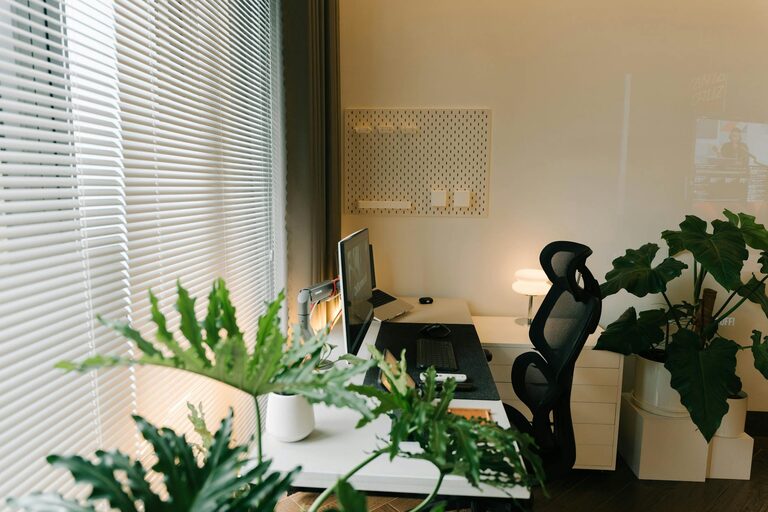
Creating a productive home office environment is essential for anyone working remotely or running a home-based business. A well-designed workspace not only helps you stay focused but also improves motivation and overall well-being. Whether you’re new to working from home or looking to optimise your current setup, these tips will guide you in creating an efficient and comfortable office space.
Choosing the Right Location
The first step in setting up a home office is selecting the best spot in your home. Consider the following:
– Quiet and Private: Find a space away from high-traffic areas to minimise interruptions.
– Natural Light: Choose a location with good natural light, which can improve mood and reduce eye strain.
– Space: Ensure there’s enough room for your desk, chair, and any equipment you use regularly.
If space is limited, even a corner of a room can be turned into a functional office.
Ergonomic Furniture for Comfort
Investing in ergonomic furniture can make a big difference in your comfort and productivity.
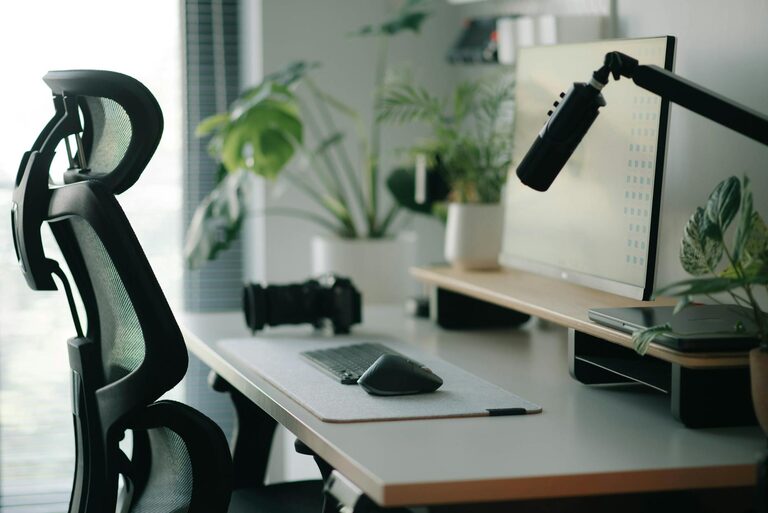
– Chair: Use a supportive chair that encourages good posture and can be adjusted for height.
– Desk: Your desk should be at a height where your forearms are parallel to the floor when typing.
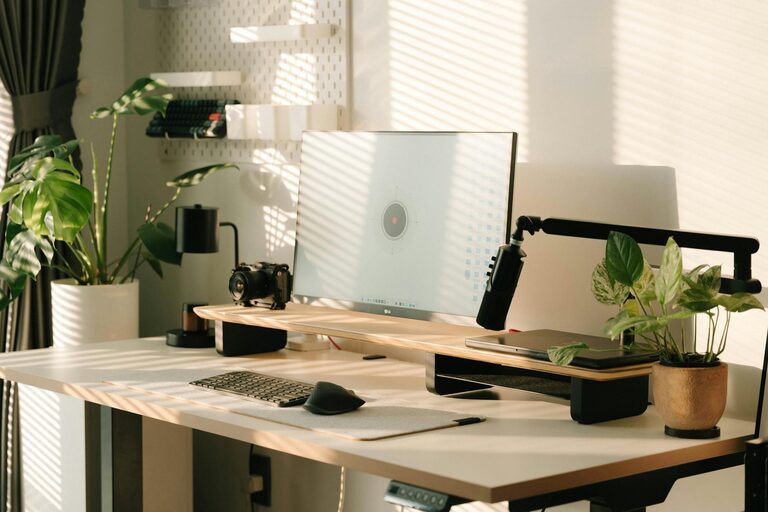
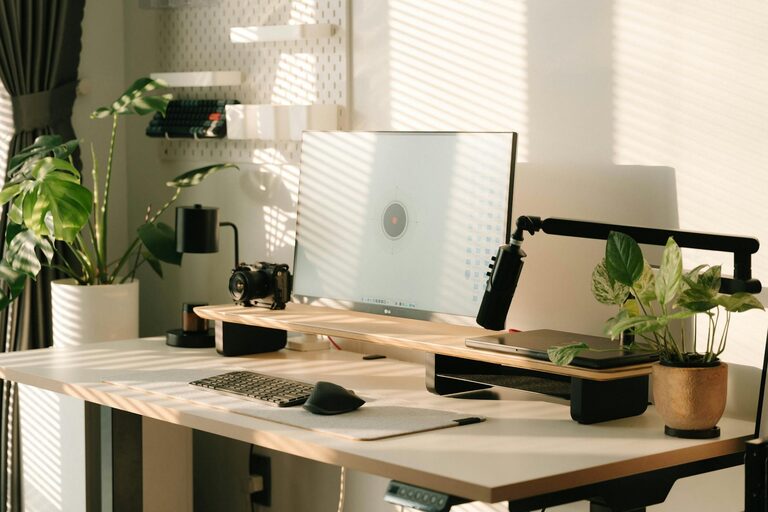
– Monitor Placement: The top of your computer screen should be at eye level to prevent neck strain.
Proper ergonomics help reduce fatigue and physical discomfort during long work hours.
Organised and Clutter-Free Workspace
A tidy workspace minimises distractions and makes it easier to find important items.
– Storage Solutions: Use shelves, filing cabinets, or boxes to keep documents and supplies organised.
– Daily Tidying: Spend a few minutes at the end of each day clearing your desk.
– Cable Management: Use clips or ties to keep cables neat and prevent tangling.
Keeping your workspace clean can boost your focus and enhance your professional mindset.
Effective Lighting
Good lighting reduces eye strain and keeps you alert throughout the day.
– Natural Light: Maximise daylight by positioning your desk near a window but avoid direct glare on your screen.
– Task Lighting: Use a desk lamp with adjustable brightness to illuminate your work area.
– Ambient Lighting: Soft overhead lighting can complement task lighting and create a comfortable atmosphere.
Combining different lighting sources ensures that your workspace is well lit at all times.
Minimise Distractions
Creating boundaries helps you stay focused and maintain work-life balance.
– Set Clear Hours: Define your working hours and communicate them to family or housemates.
– Noise Control: Use noise-cancelling headphones or background music to block out unwanted sounds.
– Technology Management: Disable non-essential notifications on your devices during work time.
By managing distractions effectively, you’ll be able to maintain concentration and complete tasks more efficiently.
Personalise Your Space
Adding personal touches to your office can increase comfort and motivation.
– Plants: Indoor plants improve air quality and add a calming element to your workspace.
– Artwork or Photos: Display items that inspire you without cluttering the desk.
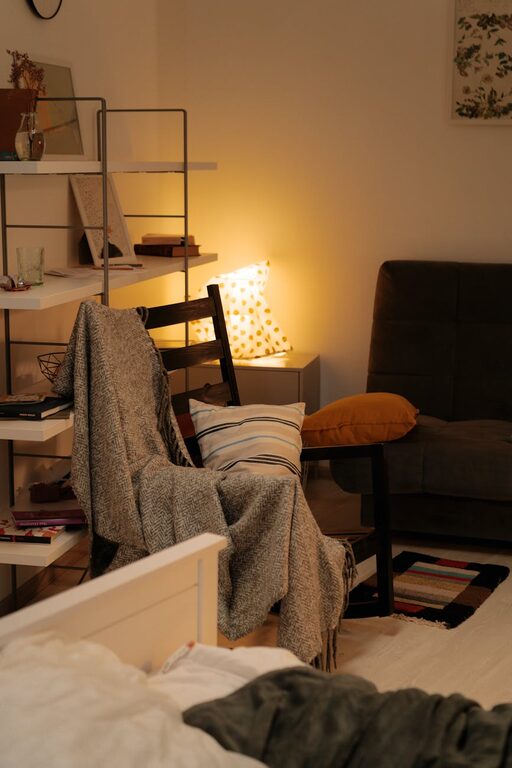
– Comfort Items: Consider a cushion, wrist rest, or a favourite mug to make your workspace more inviting.
A personalised space can make working from home feel more enjoyable and less isolating.
Prioritise Good Technology
Reliable technology is crucial for productivity.
– High-Speed Internet: Ensure your connection is fast and stable to avoid interruptions.
– Quality Equipment: Invest in a good keyboard, mouse, and headphones.
– Backup Solutions: Use cloud storage or external drives to protect your work.
Having technology that works well helps reduce frustration and improves your workflow.
Incorporate Breaks and Movement
Remaining still for long periods can lead to discomfort and reduced concentration.
– Scheduled Breaks: Use timers to remind yourself to take short breaks every hour.
– Stretching: Perform gentle stretches or quick walks around your home.
– Standing Desk: If possible, alternate between sitting and standing to promote circulation.
Regular movement keeps both your body and mind fresh during the workday.
Maintain Work-Life Boundaries
When your home is your office, it’s important to separate work time from personal time.
– Dedicated Workspace: Use your office solely for work to create a mental boundary.
– Clear Start and Finish: Establish rituals to mark the beginning and end of your day, such as turning off your computer or tidying your desk.
– Avoid Overworking: Set limits to prevent work from spilling over into your evenings and weekends.
Strong boundaries help maintain your wellbeing and prevent burnout.
—
Creating a productive home office environment is within your reach. By thoughtfully choosing your space, investing in comfort, organising your tools, and managing distractions, you can enjoy a workspace that supports your professional goals. Remember, the key is to make your home office both functional and pleasant — so you can work better, every day.
About the Author